
In development. The waitlist is open.

Change the menu
before the coffee cools.

Mark a dish sold out, change a price or add a special from your phone. The next person to scan your QR sees it. No reprints, and no app for diners.

One email when we launch. No spam, unsubscribe in one tap. Privacy.

What do you run?

You edit

Café Graffiti12 items on your menuLIVE
Coffee & bakes3 items
  • Mural MochaEspresso, dark cocoa, steamed milkUSD5.50
  • Spray EspressoDouble shot, dark and boldUSD3.75
  • Almond CroissantBaked at seven, gone by tenUSD4.25

They see

Tap a dish on your phone to sell it out.

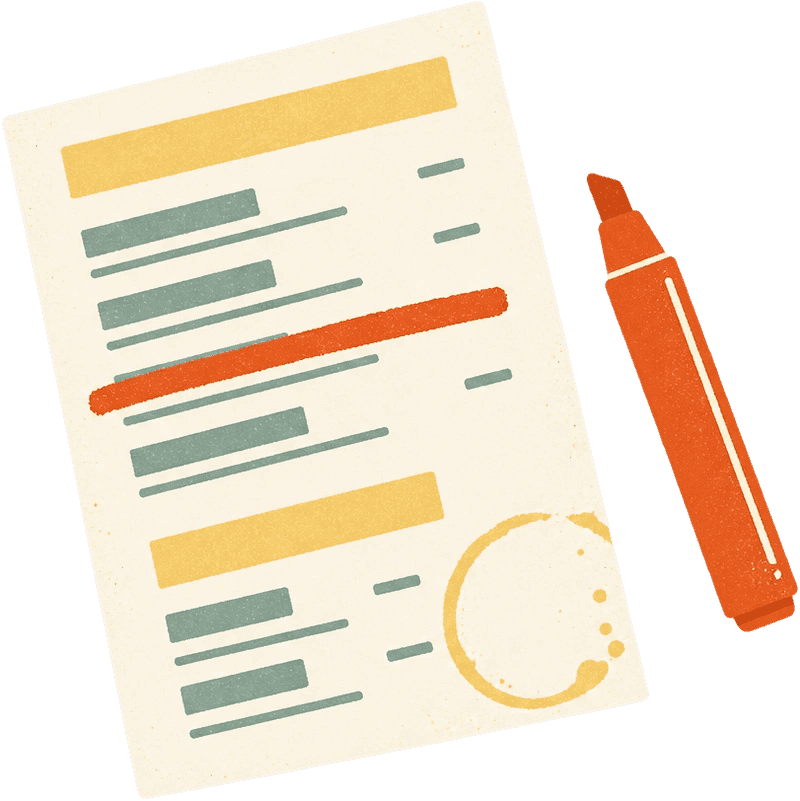
By ten in the morning, the paper menu is already wrong.

Someone crosses out the sold-out dish in marker. The price on the board hasn't matched the till since spring. Reprinting for every change is never worth it, so the menu stays wrong.

  • To start a menu1 photo
  • To mark a dish sold out1 tap
  • Apps your diners installnone
  • Reprintsnone
Drag to compare. The same menu, a morning apart.

The menu keeps up with the day.

Set it up once, on your first day. From then on, every change a service throws at you is done on your phone, from wherever you're standing.

  1. 07:40 · first day only

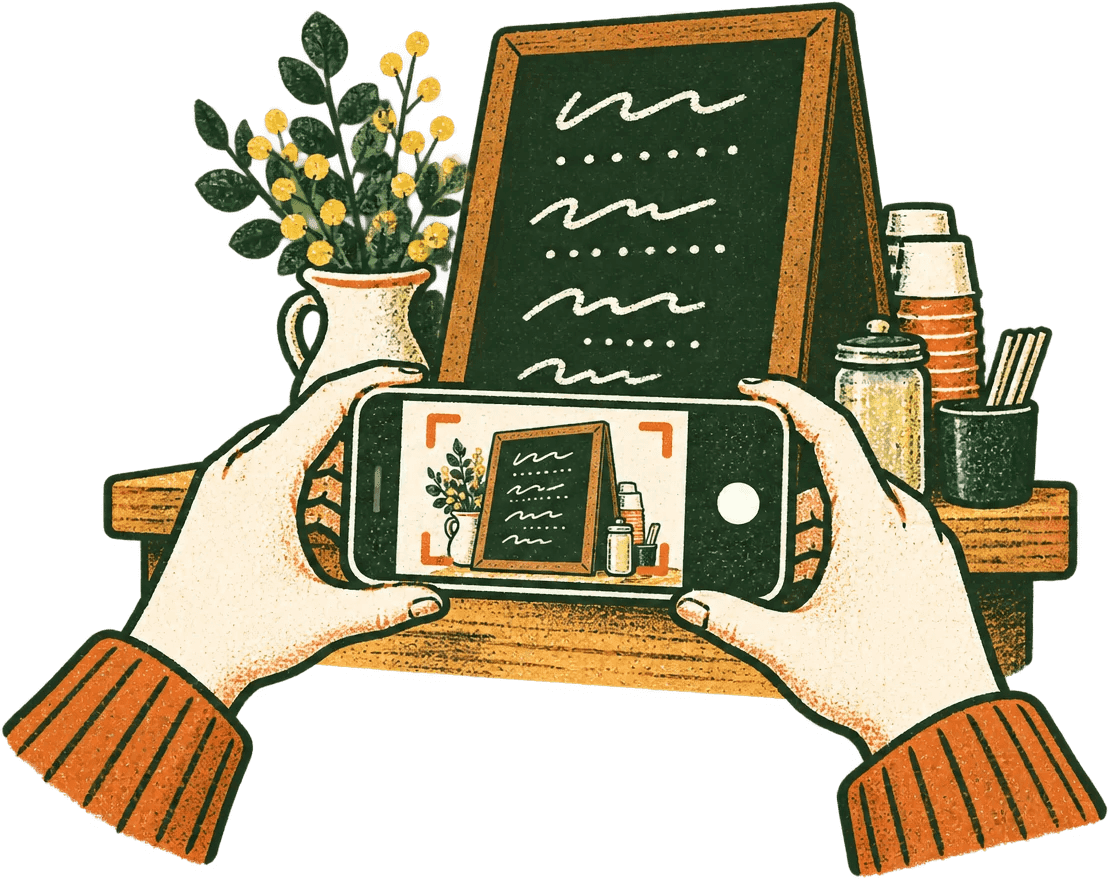
    Photograph your menu once, not every morning.

    This happens once, on your first day. Photograph the printed or handwritten menu you already have; it reads the items, prices and sections, and you check them before anything goes live. From then on the menu lives in the app, and each day you change only what's different.

  2. 10:40

    Sold out? One tap.

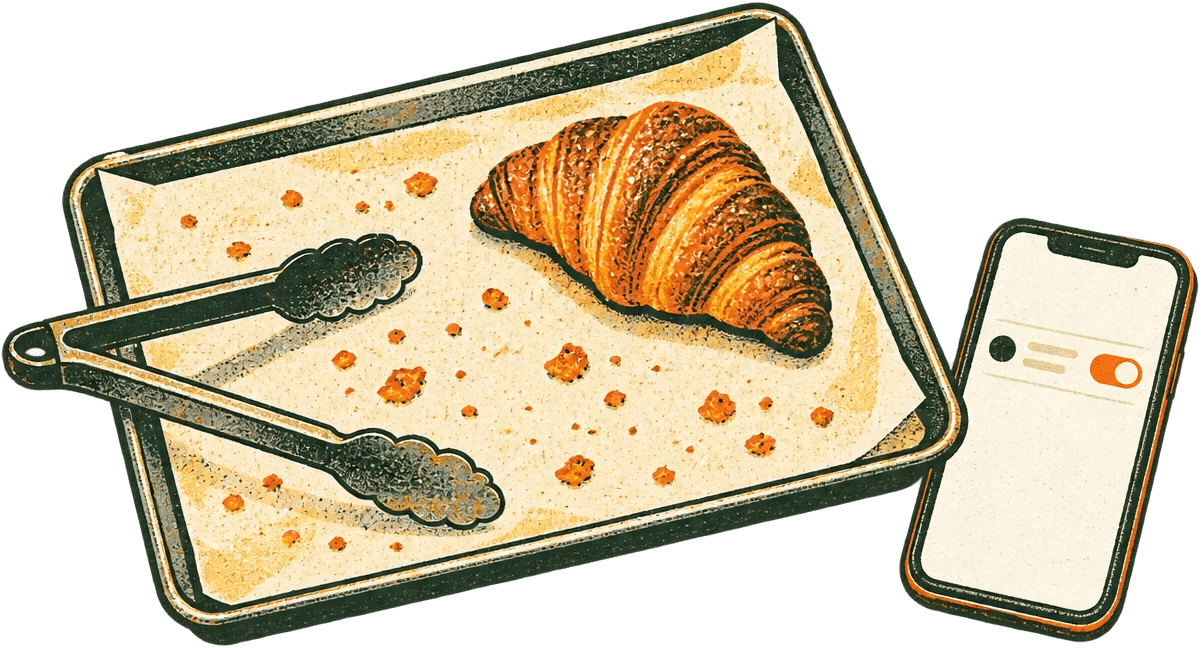
    The last croissant's gone. Flip it off and the next person to scan sees it. Flip it back when the next tray comes out.

  3. 12:15

    Change a price between orders.

    Milk went up again. Open the dish, change the number, done — no reprint, no sticker over the old price.

  4. 15:30

    Something new? It writes the description.

    The cardamom buns just came out and they aren't on the menu yet. Add the dish and it writes a line in the tone you pick. Keep it, tweak it or bin it; you always have the last word.

    Try a tone

  5. 19:00

    Diners scan. The menu's already right.

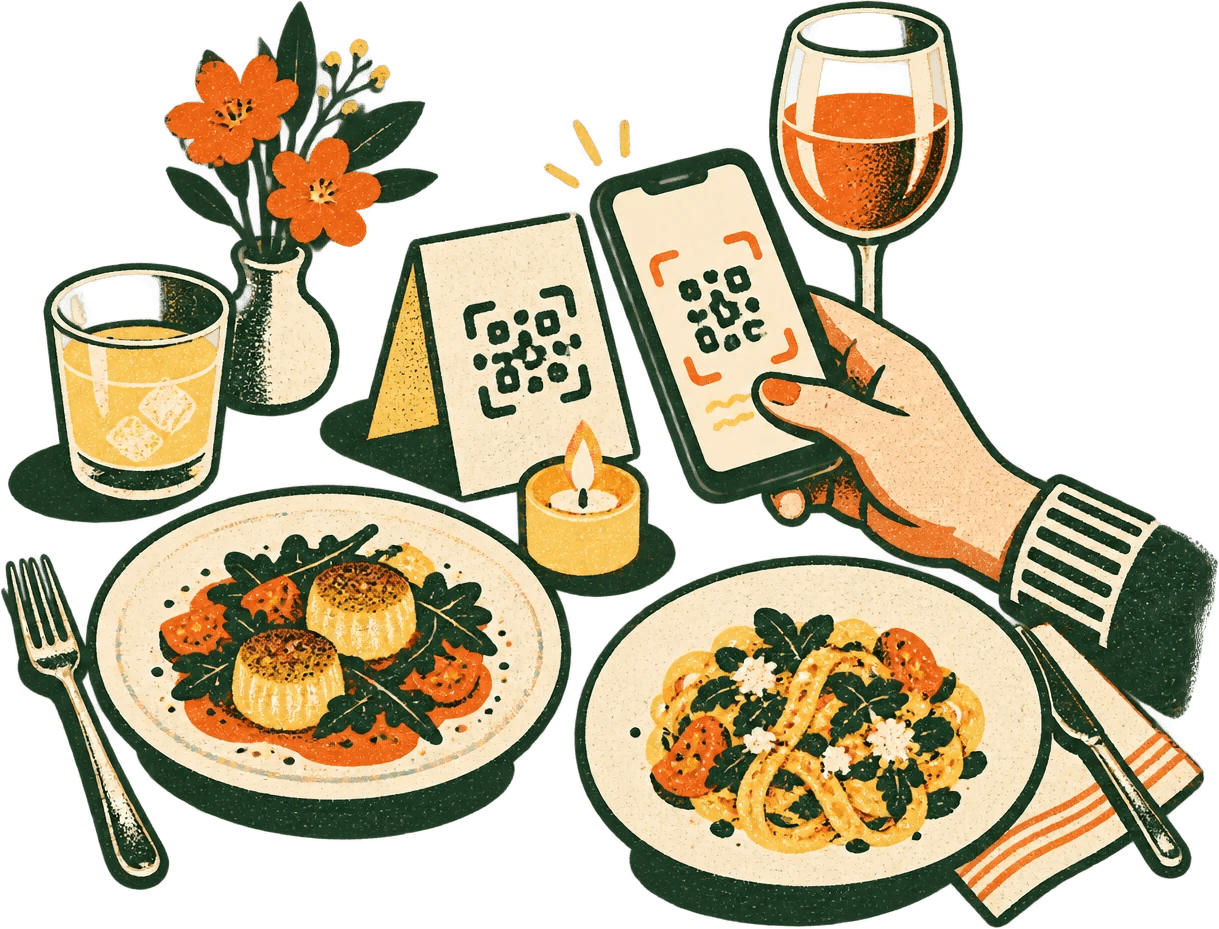
    The QR on the table opens today's menu in the browser. Nothing to install, nothing to sign up for, and nothing out of date.

Wherever your menu lives.

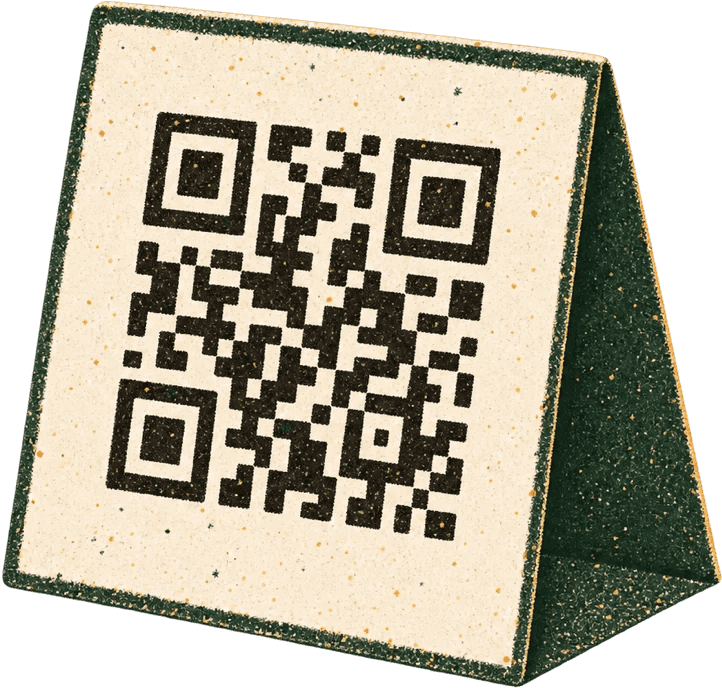
On a table tent, a truck window or an Instagram bio. Print the QR once and change the menu behind it as often as you like.

  • Cafés

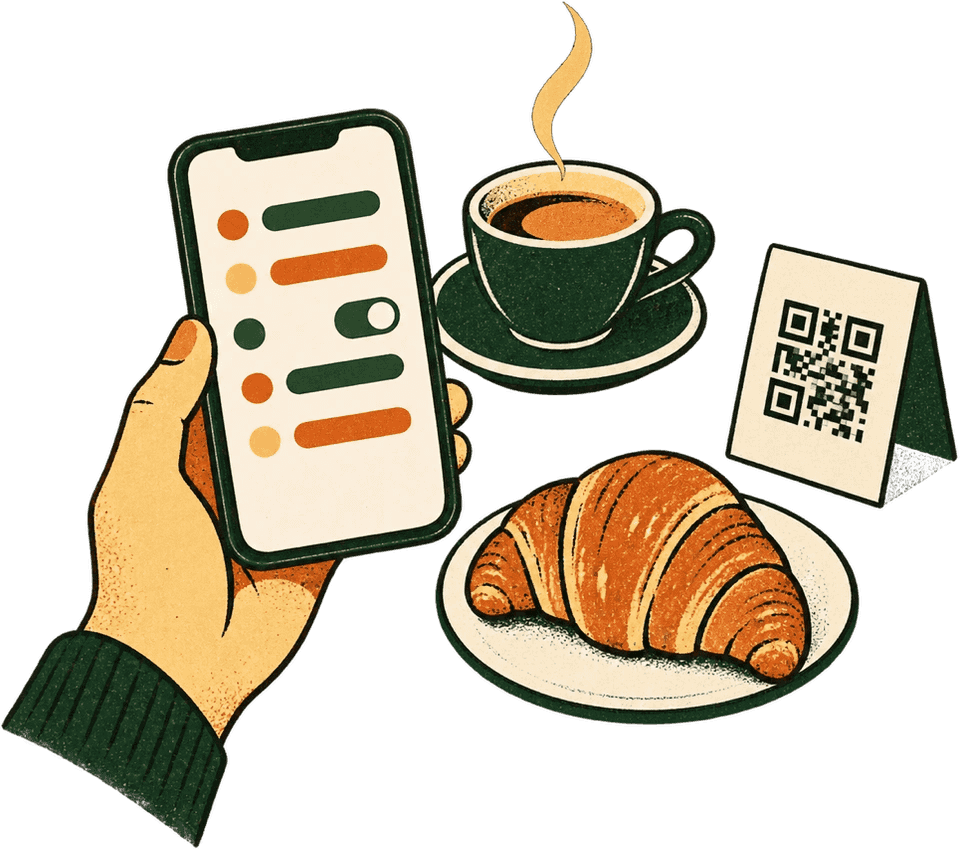
    The croissants are gone by 10:40. Now the menu knows too.

    Where the QR goes: On the table tent and at the counter.

  • Restaurants

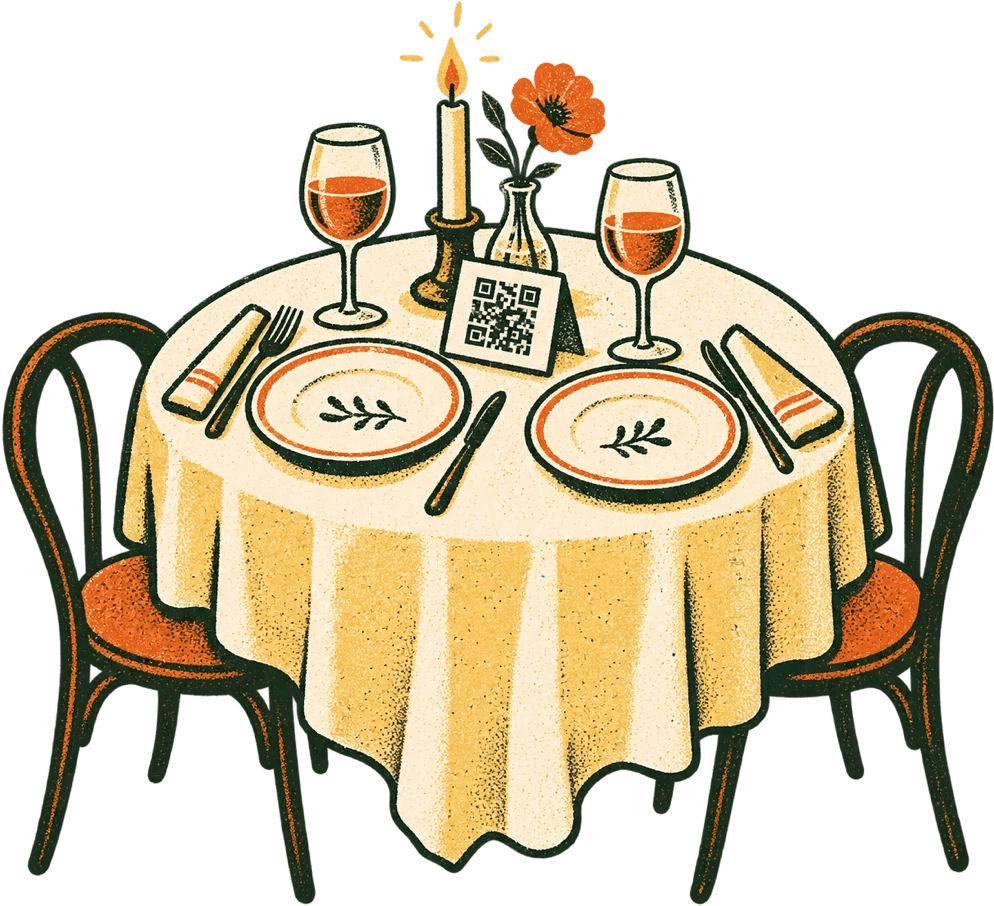
    Specials change at five and the fish follows the market. So does the menu.

    Where the QR goes: On every table, and on the door.

  • Food trucks

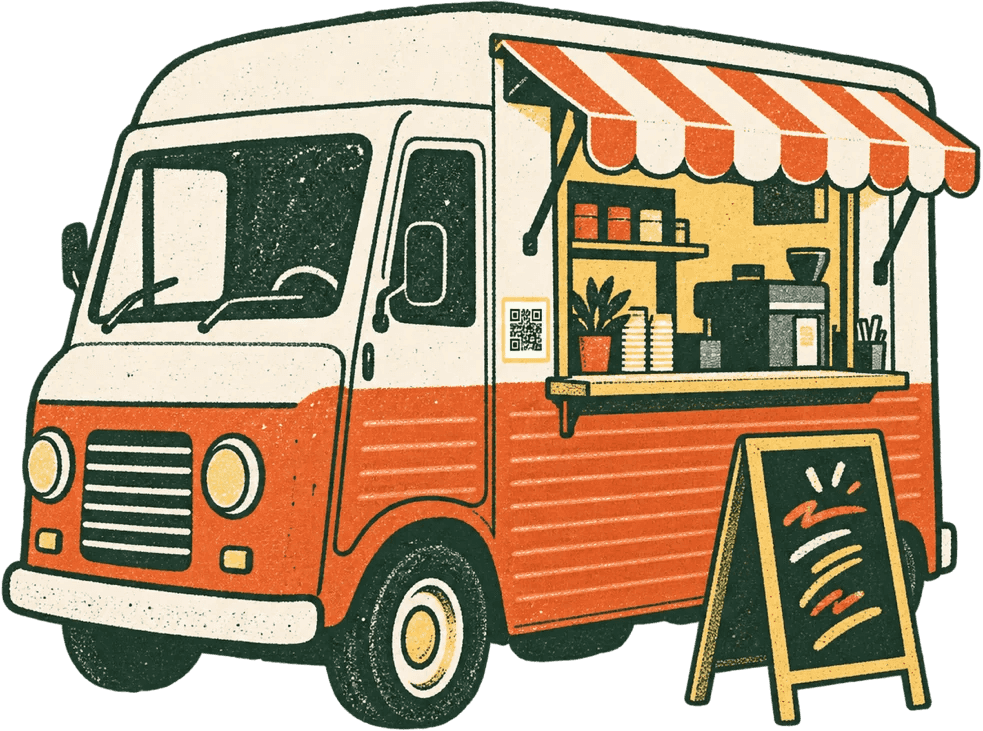
    New spot, same QR. Stick it where the queue waits, not where they pay.

    Where the QR goes: On the side panel, at queue height.

  • Cloud kitchens

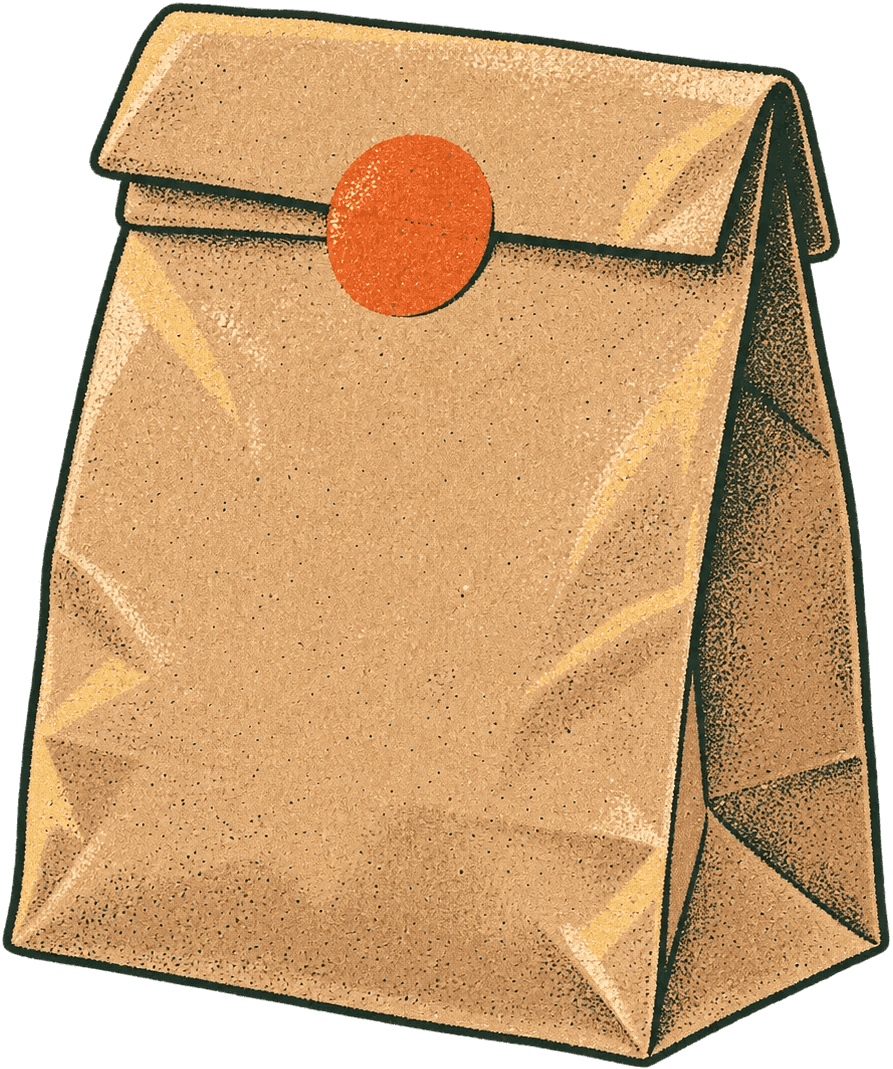
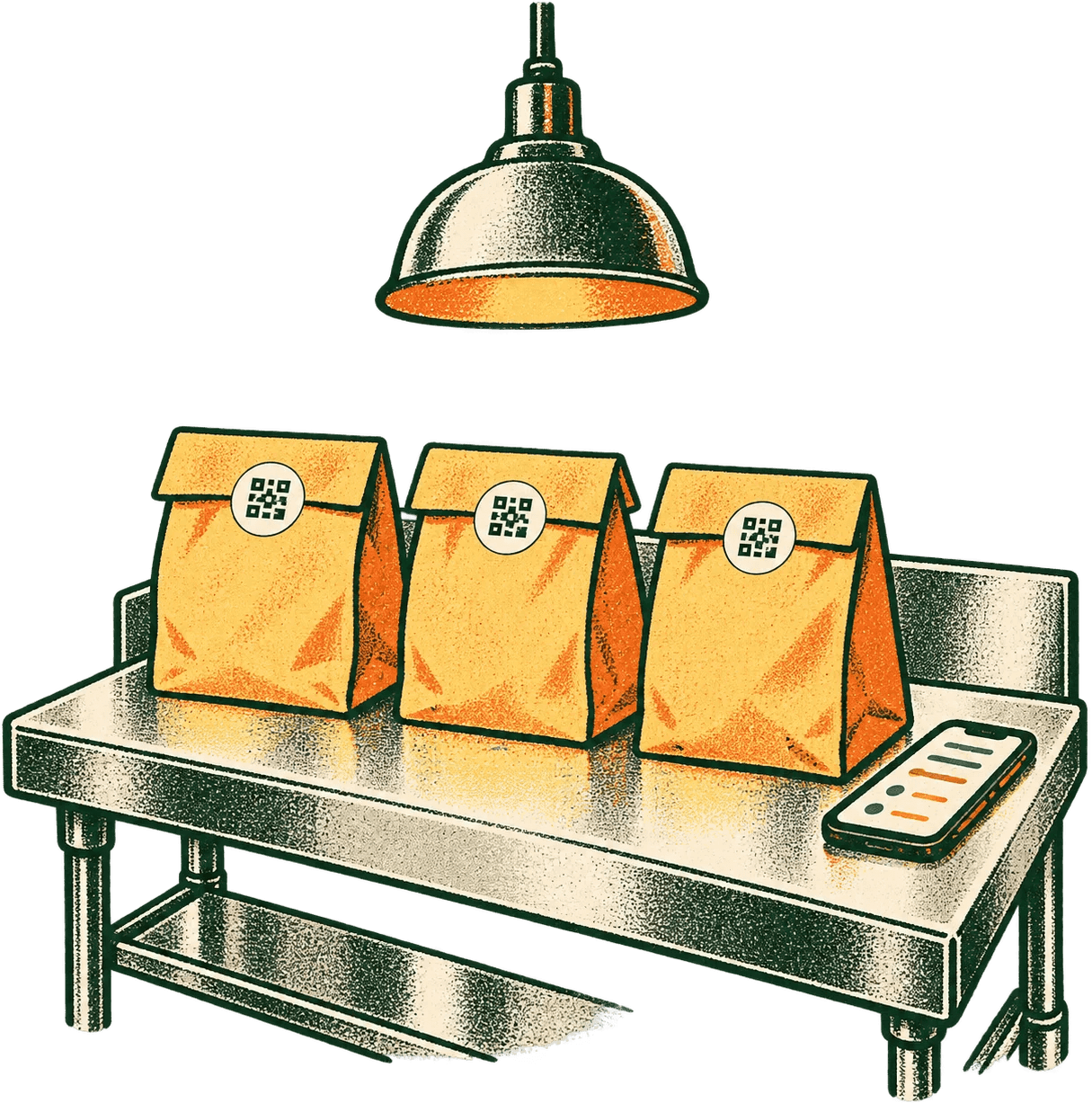
    No dining room, one link: your bio, your WhatsApp and the card in every bag.

    Where the QR goes: In the bag, and one tap from your profile.

It only does menus — on purpose.

No till to wire up, no orders to route, no cut of your sales. Everything it does fits on one card.

The house menu

Served from your phone, all day

To start

  • Menu from a photoprinted or handwritten

    Photograph the menu you already have, once, when you start. It drafts every item, price and section, and you check them before anything goes live.

    See it at 07:40
  • Descriptions written for you4 tones

    Warm, plain, playful or shorter, from the dish's name and category. Keep it, tweak it or bin it.

    See it at 15:30

Mains

  • Sold outone tap

    Flip a dish off when it runs out and back on when the next batch lands. The next person to scan sees it.

    See it at 10:40
  • Hide without deletingone tap

    Off the menu for the week, then back with its price and description as you left them.

  • Edit from your phonefrom anywhere

    Names, prices and sections, from the counter, the bus or the supplier's. No laptop, no tablet at the till.

    See it at 12:15

On the side

  • One link, one QRfor good

    Your menu lives at curatemenu.com/your-name. Print the QR once; the menu behind it changes, the code never does.

    See it at 19:00
  • Templatesmore on the way

    A growing set of designs for the menu your diners see. Switch any time; your items and your QR stay put.

  • Prices in your currencyINR, USD, EUR, GBP

    Set it once when you start, and every price shows the way your diners pay.

No commission. No per-item fee. Diners order the way they already do.
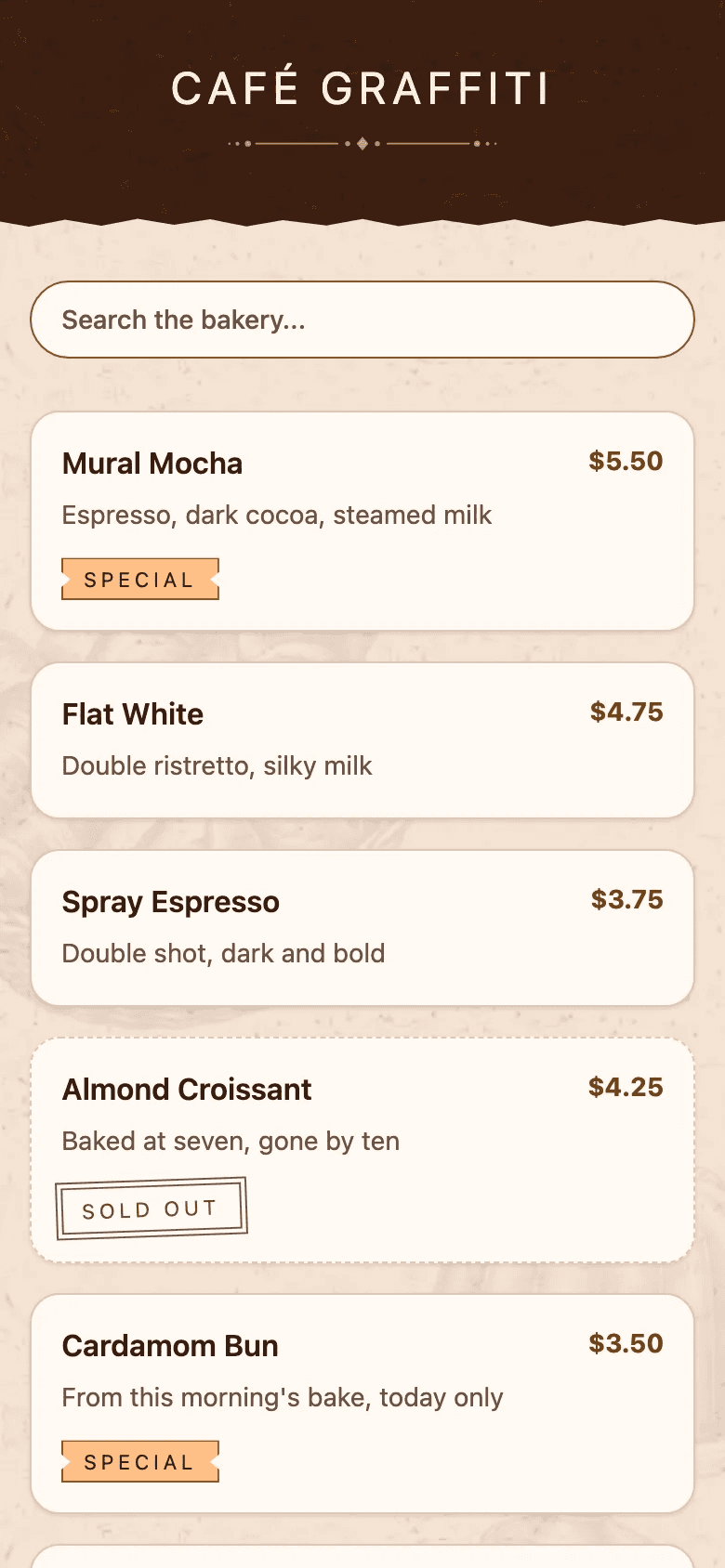
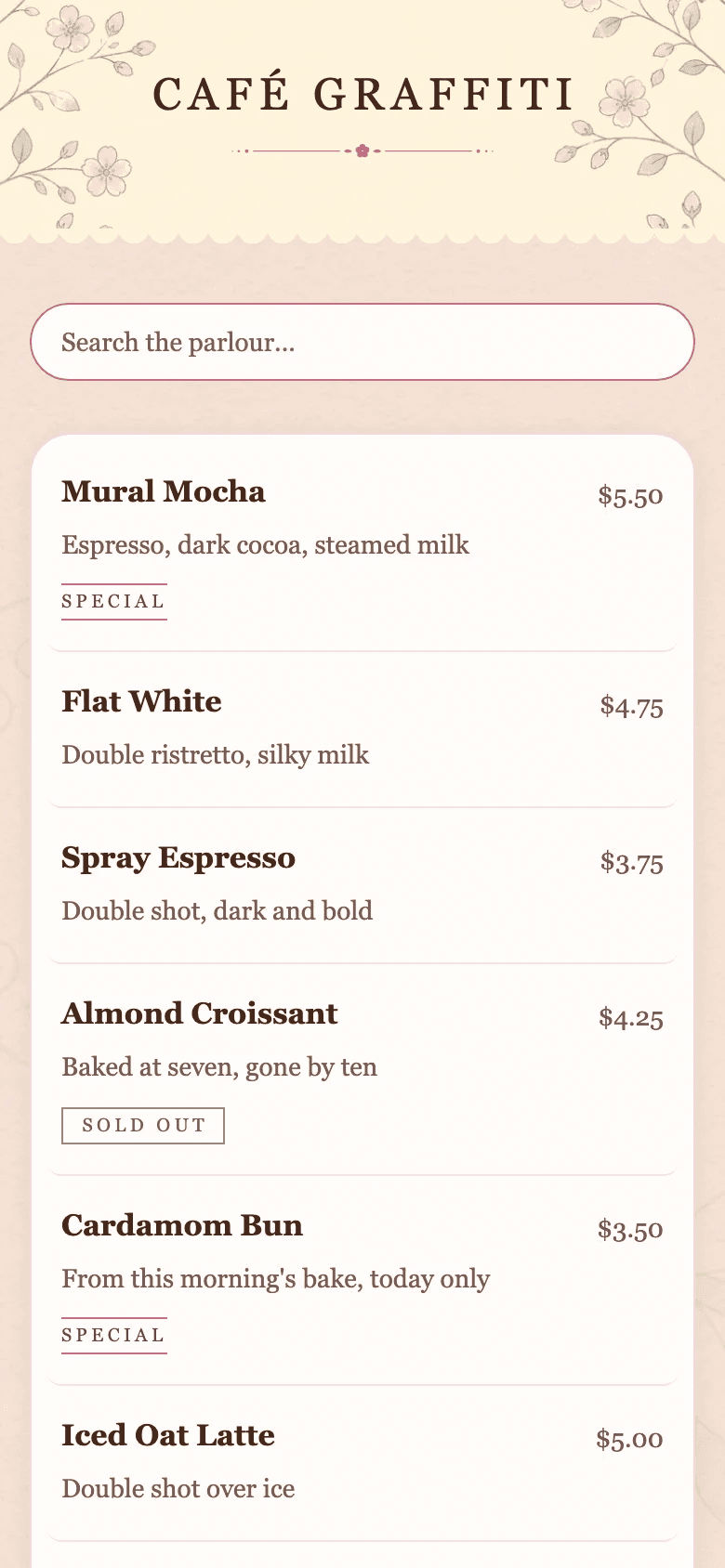
Pick a look. New ones keep coming.

These are the first few. New designs join the app all the time, and switching never touches your items, prices or QR.

  • The diner's menu in the Bake House template

    Bake House

    Poster caps on warm paper, a torn cocoa band

  • The diner's menu in the Pastel Parlour template

    Pastel Parlour

    Blossoms, scalloped edges and a doily

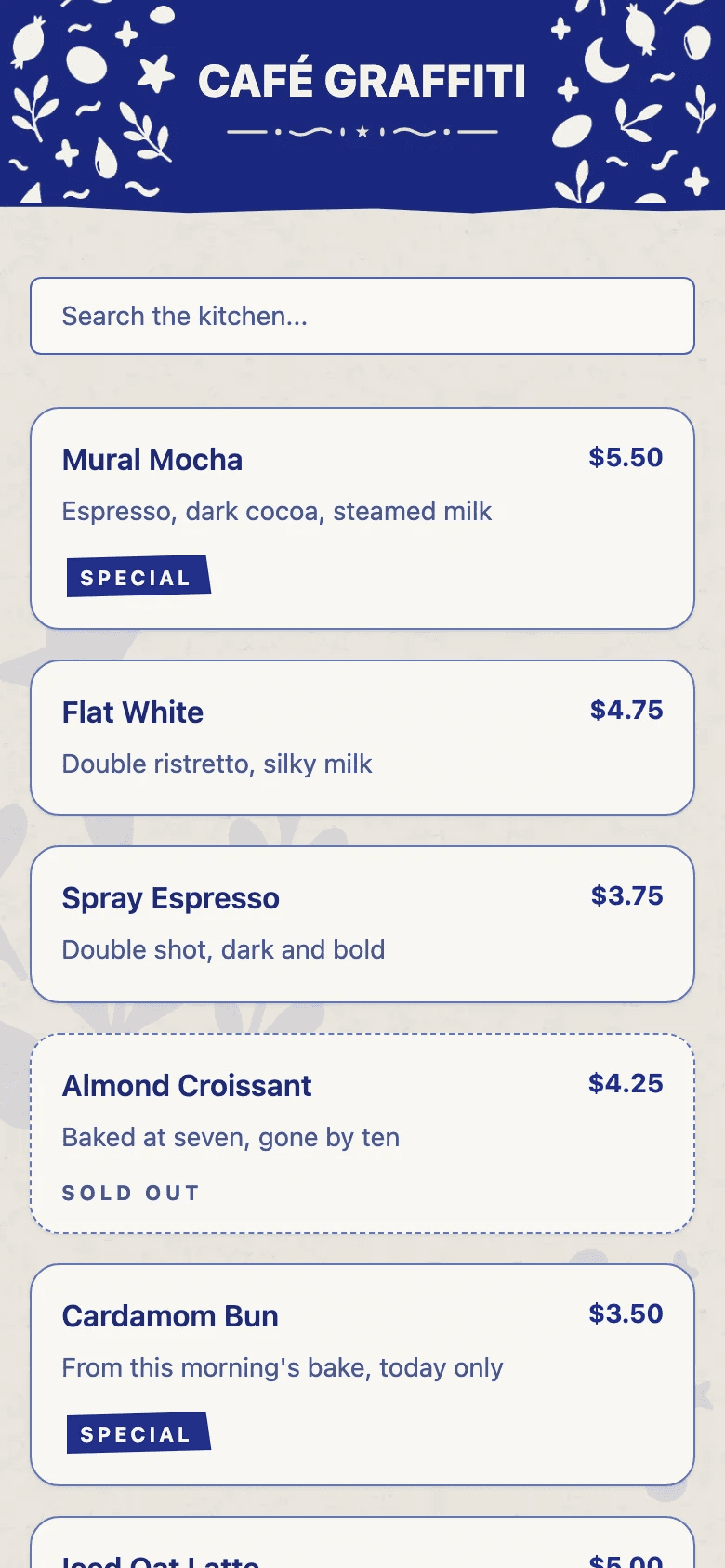
  • The diner's menu in the Cobalt Kitchen template

    Cobalt Kitchen

    One cobalt ink and hand-cut folk marks

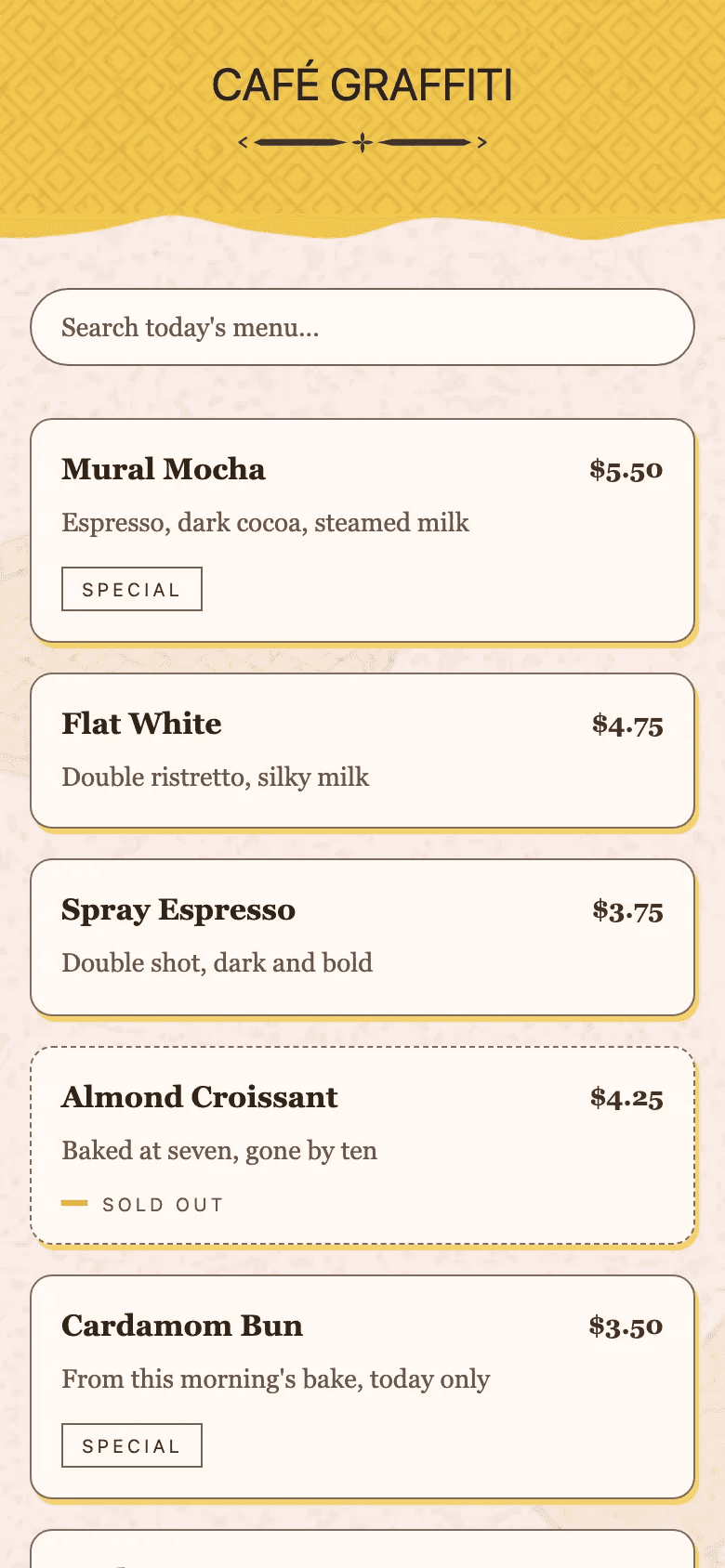
  • The diner's menu in the Marigold Canteen template

    Marigold Canteen

    Chunky caps and hand-cut marigolds

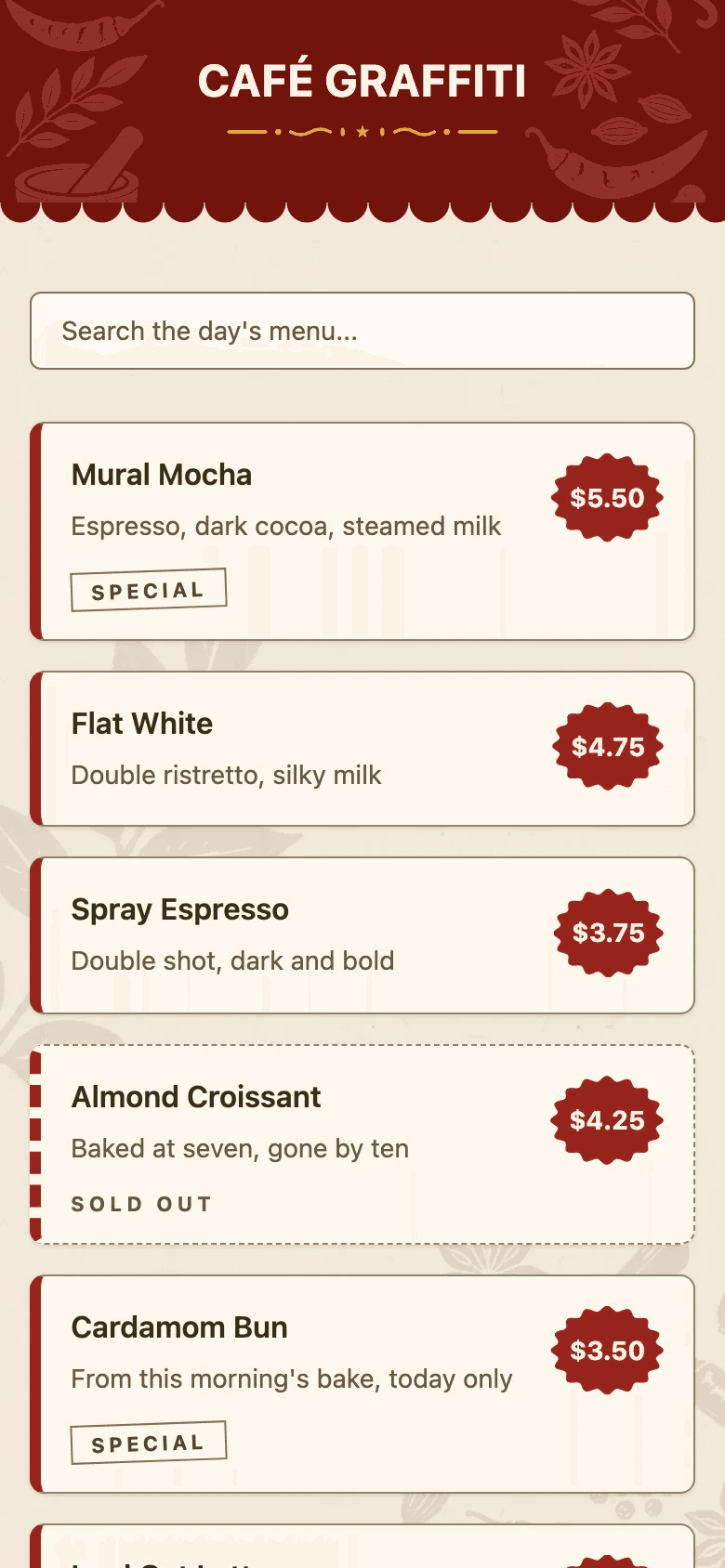
  • The diner's menu in the Tiffin Press template

    Tiffin Press

    Block-printed, with a new ink for each course

The same café's menu in each look, as the app renders them today.

Questions from the floor.

Still unsure? Email the team and a real person writes back.

Not yet — we're still building it. There's no app-store listing, no sign-up and no beta. Join the waitlist and you'll get one email the day there's something real to put on your counter.

We're not going to invent a date so you'll leave an email. Where it stands: the whole loop — photo import, the phone editor, the diner's web menu — works end to end, and we're polishing it. Then a small group of places, then everyone. The waitlist is the front of that queue.

Nothing while it's in beta. Everyone we let in early uses the whole thing free until we launch, with no card and no plan to pick. We haven't set prices for after that, and we'd rather say so than invent one and quietly change it later — what we will commit to now is that Curate Menu never takes a cut of your sales, and that you'll see the pricing, and have to actively agree to it, before anyone is charged a penny.

A place in the beta, which is free to use until we launch, and the occasional short note about what we've built. That's the whole arrangement — no newsletter, no drip sequence, and we don't hand your address to anyone else. One click unsubscribes you for good.

No, and that's the design rather than a phase. Diners scan your QR and the menu opens in their phone's browser. Nothing to install, no account to make. The owner's app is the only app, and it's the part we're building.

Yes. Your menu lives at one link with one QR, so it goes wherever your customers are: on the truck window at queue height, on a card in every delivery bag, in your Instagram bio or a WhatsApp message. Change the menu and every one of those shows the new version.

That's exactly what we're building against. Photograph your printed or even handwritten menu and Curate Menu's AI drafts every item, section and price for you to check. The aim is to have you looking at your own menu inside a coffee break.

Never. Curate Menu is a menu tool, not a marketplace. There's no per-item fee and no cut of your sales — and that's a decision, not an introductory offer. Diners order the way they already do.
It isn't live yet. You can be first.

Leave an email and we'll write once, on the day you can start. It's free for the whole beta.

One email when we launch. No spam, unsubscribe in one tap. Privacy.

Join the waitlist